
Appearance
Help & Support
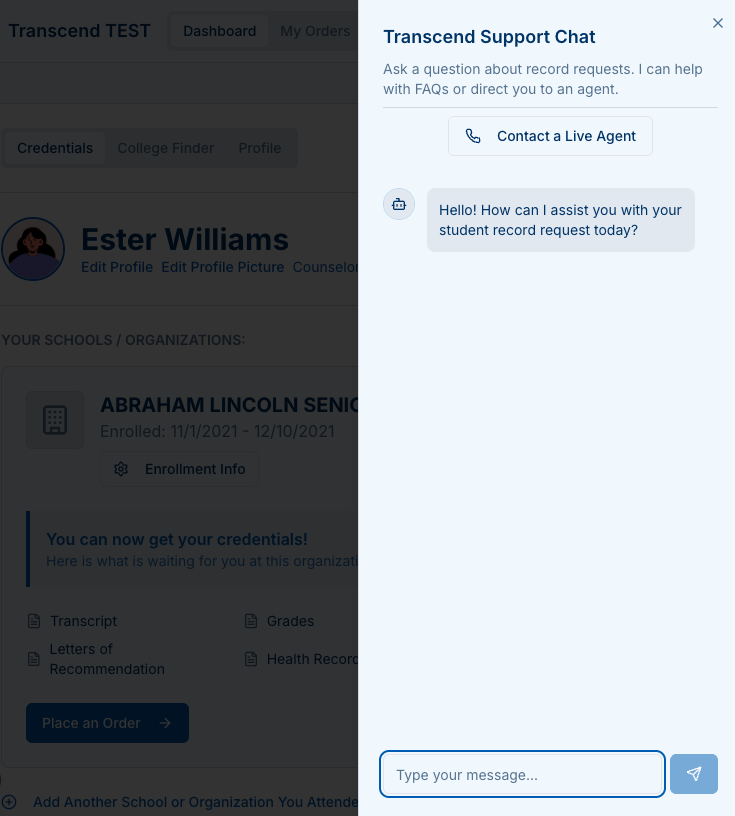
Use the built-in Transcend Support Chat anywhere in the portal to get answers fast or reach a live agent.
What you can do
- Search FAQs about requests, payments, delivery, and tracking
- Start a chat to get step-by-step guidance (ODA, DACE, SPED, and Transcript Exchange)
- Contact a live agent for complex issues or account help
- Attach files (PNG, JPG, PDF, DOCX) if staff asks for documentation
Where to find it
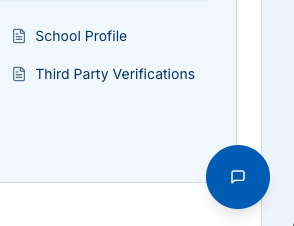
- The blue Help button appears in the bottom-right of all pages once you’re signed in.
- On the tracking page, you’ll also see Secure Messaging for your specific request.
Best practices
- Include your tracking number (if you have one).
- Describe the record type and recipient if you’re asking about delivery.
- For address problems, paste the full address and note whether it’s Validated.
- If your one-time code expired, request a new one from the tracking page and try again.
Other ways to get help
- Reply to your confirmation or status email (it contains your tracking number).
- Use Secure Messaging on the tracking page to talk about a specific order.