
Appearance
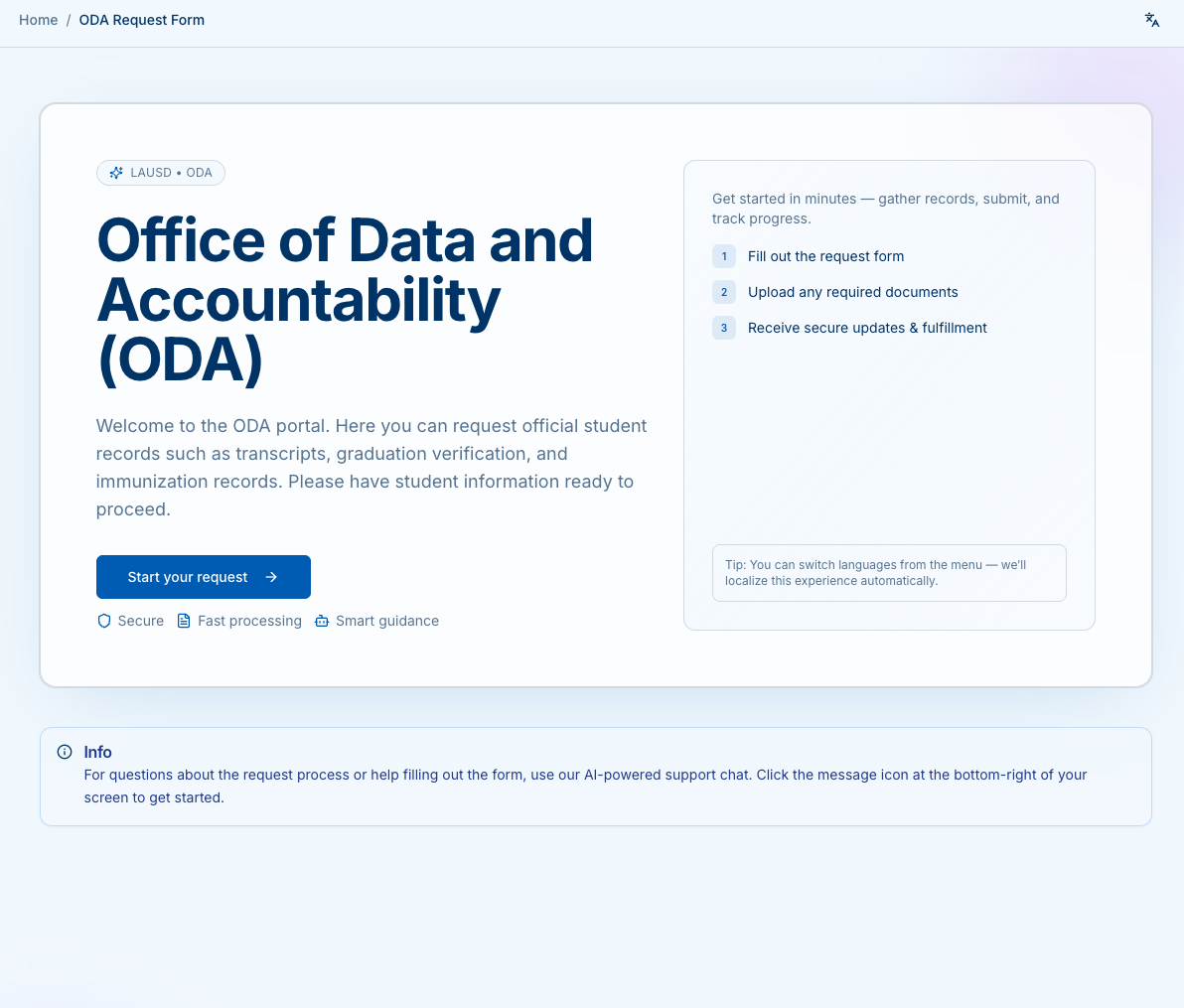
Office of Data and Accountability (ODA)
Use this portal to request official student records such as transcripts, graduation verification, diploma reprints, immunization records, and more.
Screenshots
How it works
- Fill out the request form – requester + student info, record type.
- Upload documents – only if required (e.g., third-party authorization).
- Choose delivery & payment – secure electronic PDF or mail; card or money order.
- Track updates – receive email/SMS notifications; keep your tracking number.
Who can use this portal
- Students or families requesting their own records
- Alumni
- Agencies/third parties with signed authorization