
Appearance
Track Your Order
Use this page to follow the status of your student records request and securely download documents when they’re ready.
Find your request
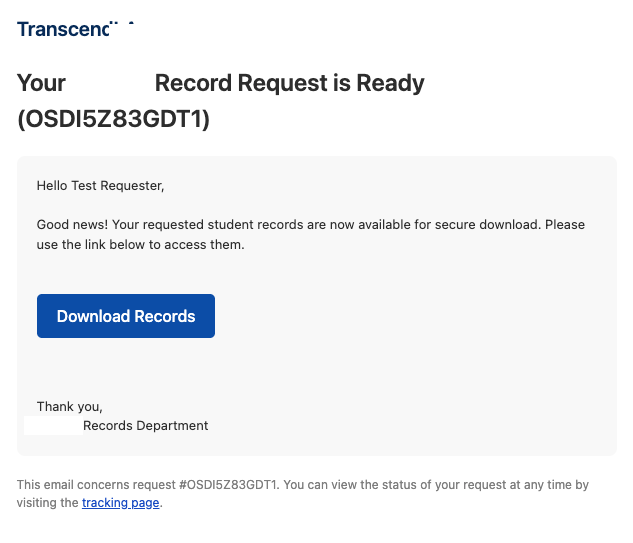
Enter your Order ID from the confirmation email.
- If the order is found, you’ll see status and next steps.
- If not found, you’ll see an error message and can try again.
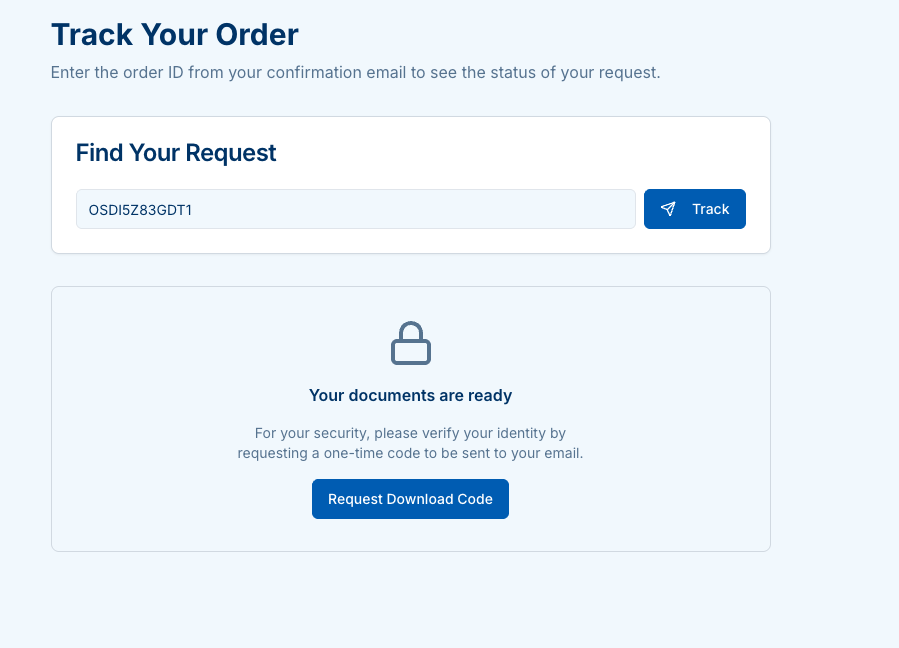
Secure download (one-time code)
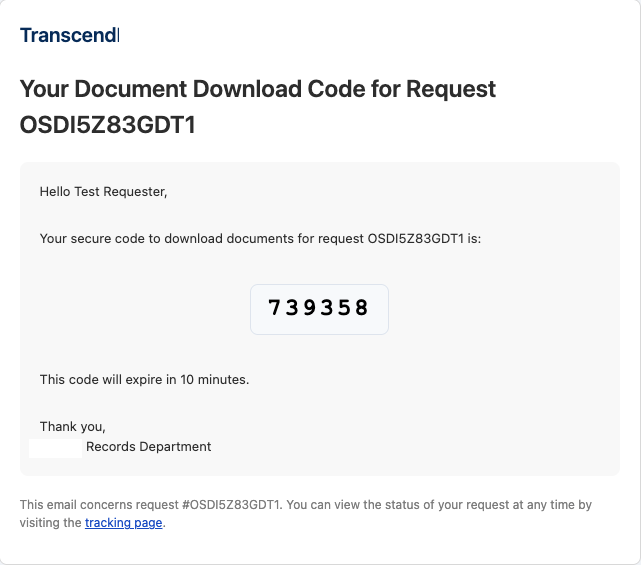
For security, when your documents are ready you’ll be asked to request a one-time code (sent to your email). Enter the 6-digit code to unlock downloads.

Status & timeline
After verification, you’ll see Request Status, Estimated completion, and payment info.
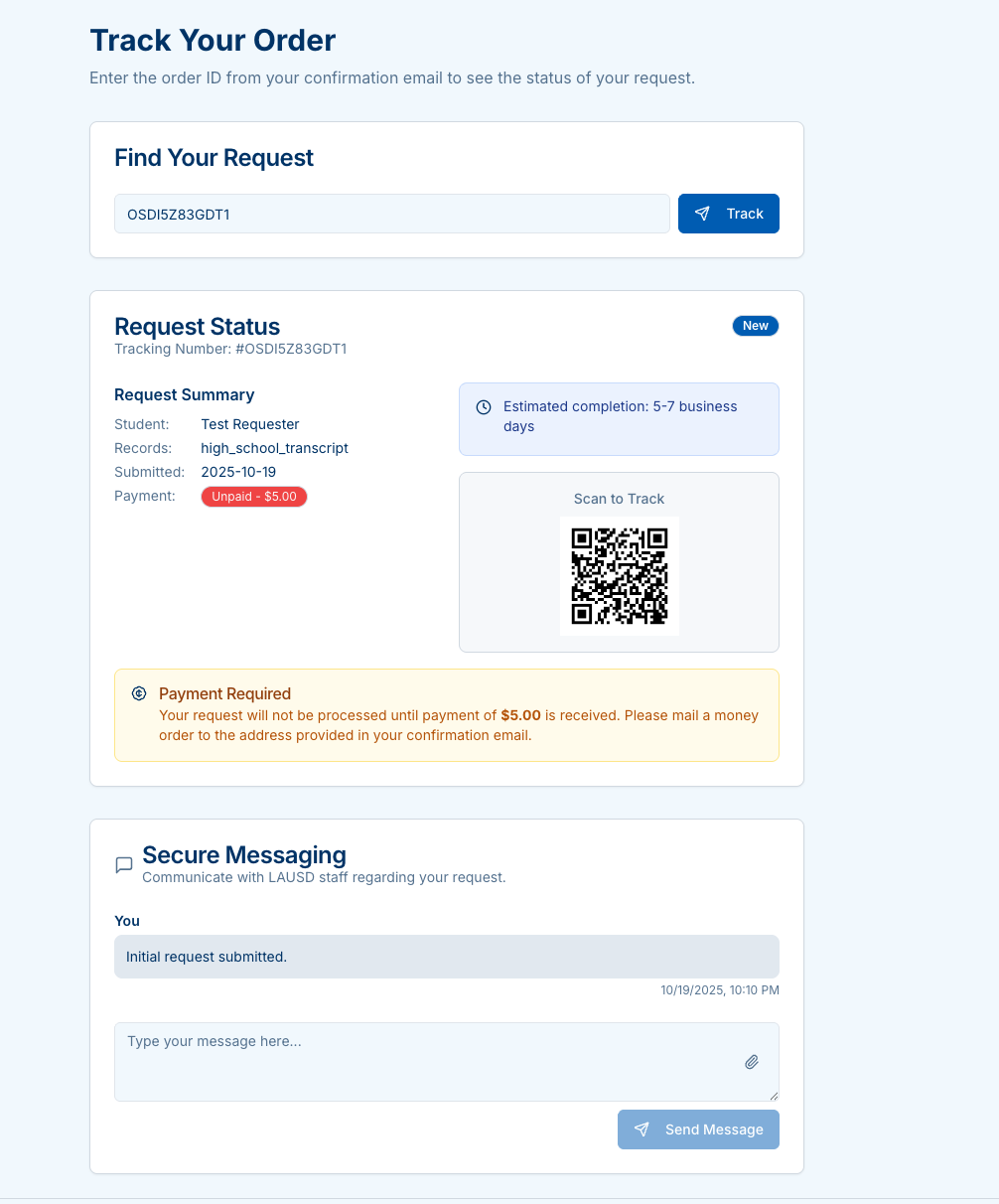
- Unpaid requests (non-SPED) show a banner with the amount and instructions.
- No payment required appears for SPED and other $0 requests.
- Scan the QR code to quickly open this tracking page on another device.
Documents for download
When complete, downloads appear with file name and size. Click Download for each file.
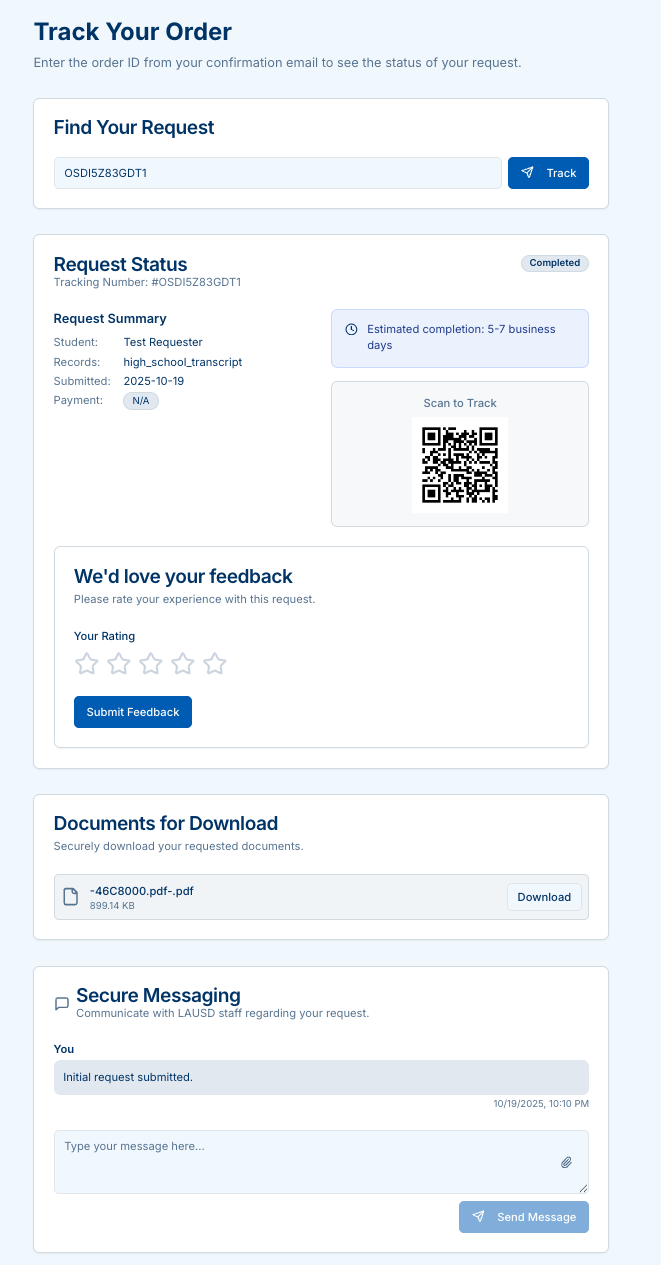
Secure messaging
Use Secure Messaging to communicate with LAUSD staff about your request.
- Attach files (PNG, JPG, PDF, DOCX) if needed.
- You’ll see a timeline of messages with timestamps.
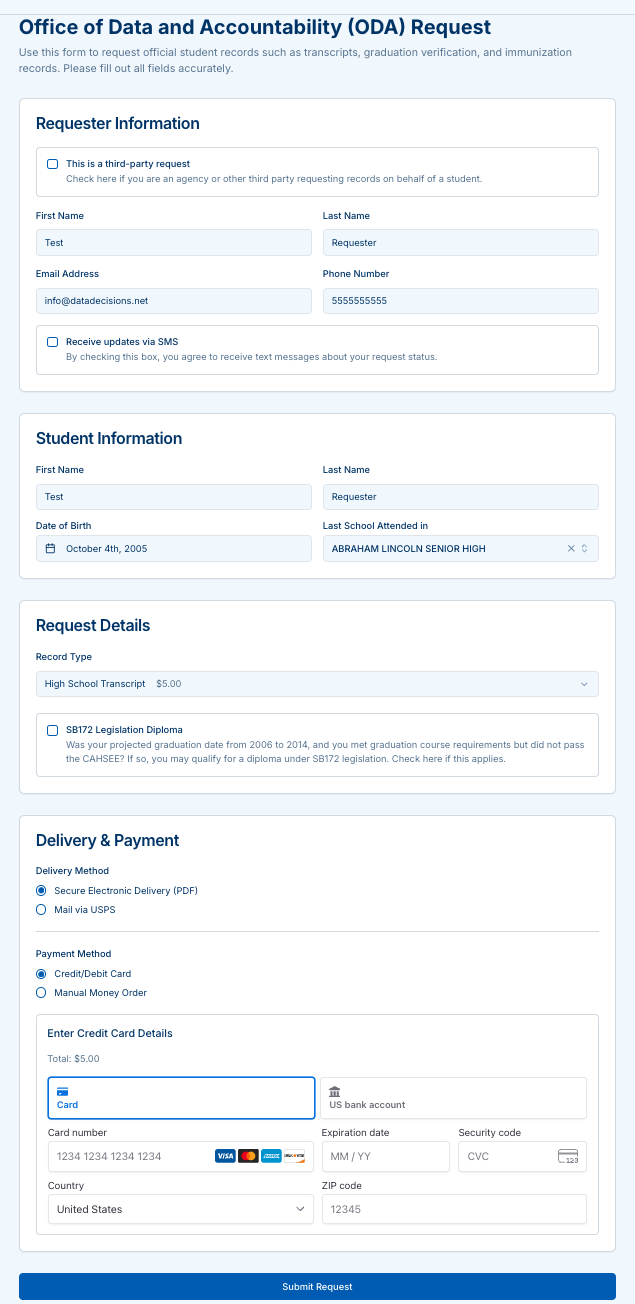
Example checkout (card)
If you pay by card, the amount shown matches your selections in the request form.
Tips
- Keep your tracking number handy (shown at the top of the status card).
- Codes expire quickly; if needed, request a new one-time code.
- If you mailed a money order, processing begins after payment is received.
- For SPED requests, no payment is required.
This page reflects the behavior of the Tracking UI (request lookup, 2FA code flow, payment banners, document downloads, feedback, and messaging). :contentReference[oaicite:0]{index=0}