Appearance
Admin – Overview
Use the Admin area to triage requests, fulfill documents, communicate with requesters, and monitor team performance.
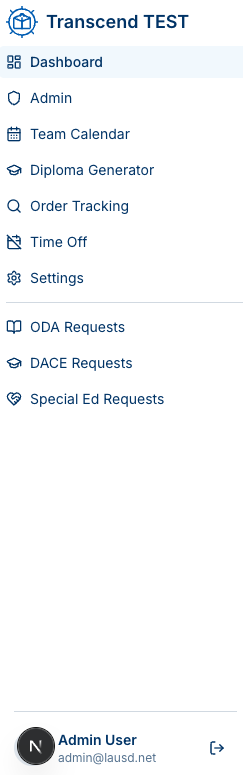
What you’ll find
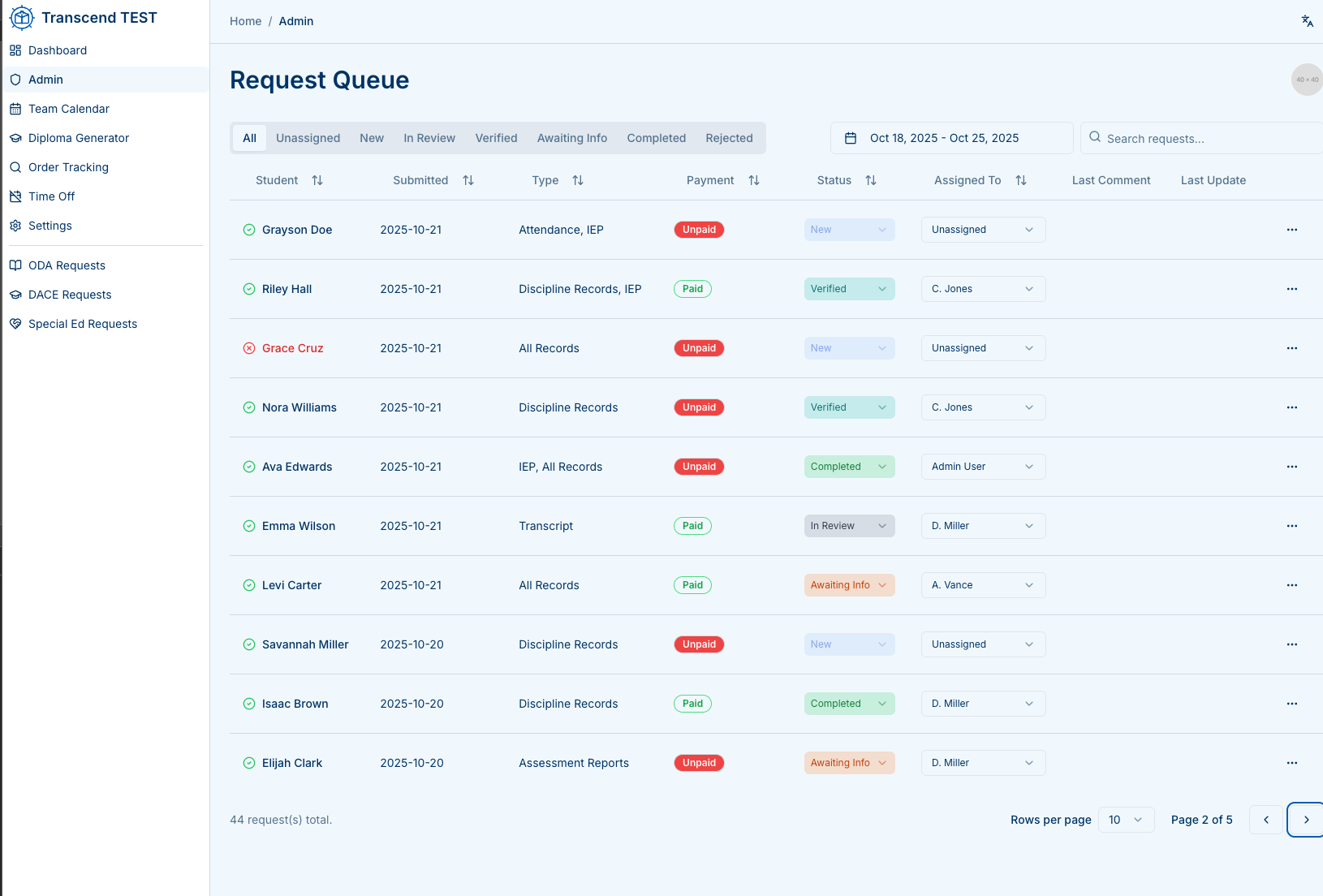
- Request Queue — all orders across ODA, DACE, SPED with filters and assignment.
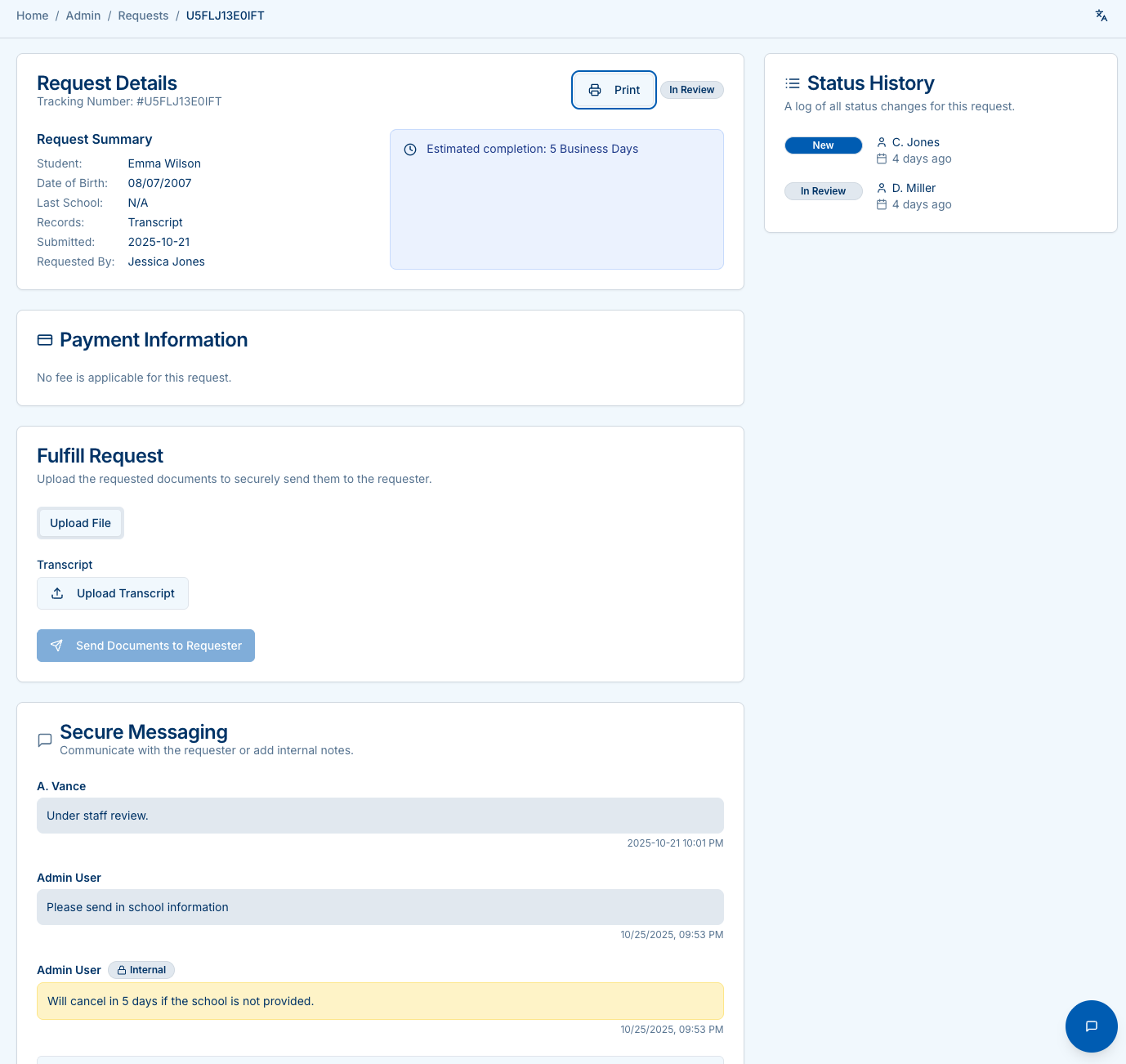
- Request Details — summary, status, uploads/sending, and secure messaging.
- Analytics Dashboard — KPIs, volumes, aging, staff performance, payout report.
Request Queue at a glance
- Tabs: All, Unassigned, New, In Review, Verified, Awaiting Info, Completed, Rejected
- Columns: Student • Submitted • Type • Payment • Status • Assigned To • Last Comment • Last Update
- Use the date range and search to narrow results.
Request Details (core actions)
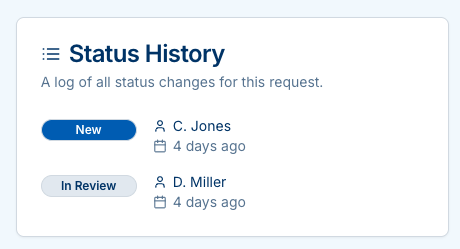
- Summary with ETA and status chips
- Payment Information (SPED shows No fee)
- Fulfill Request: upload files per record type; Send Documents to Requester
- Secure Messaging: public replies & internal notes
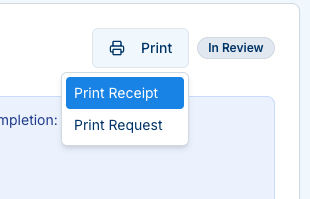
- Print: customer Receipt or internal Request