
Appearance
How Transcript Exchange Works
Transcript Exchange lets you send official transcripts and related records to colleges, employers, and agencies — electronically or by mail — from one place.
1) Start from your portal
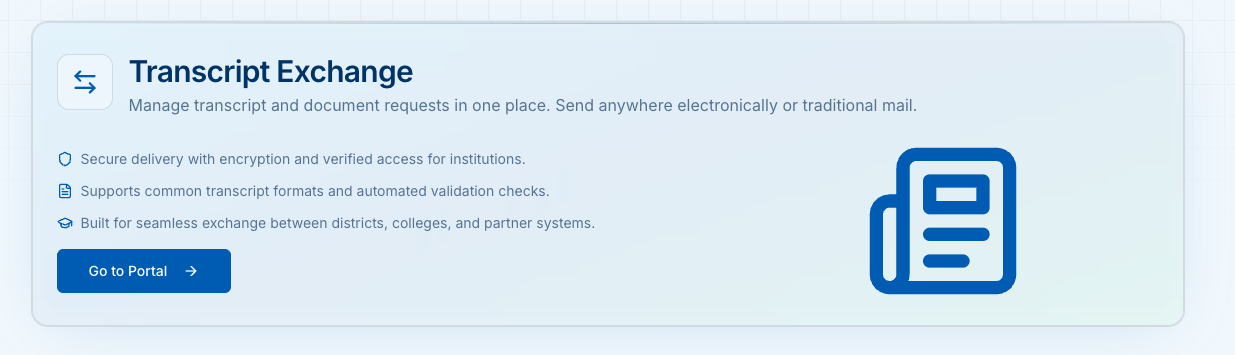
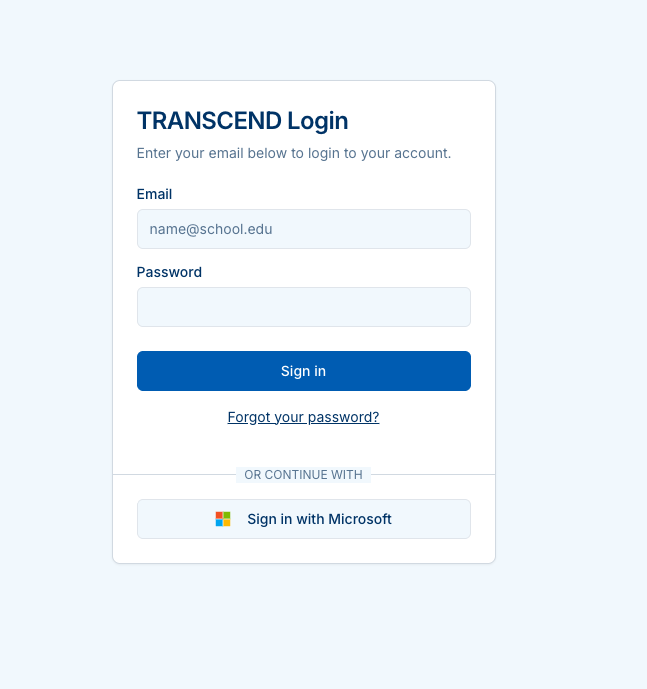
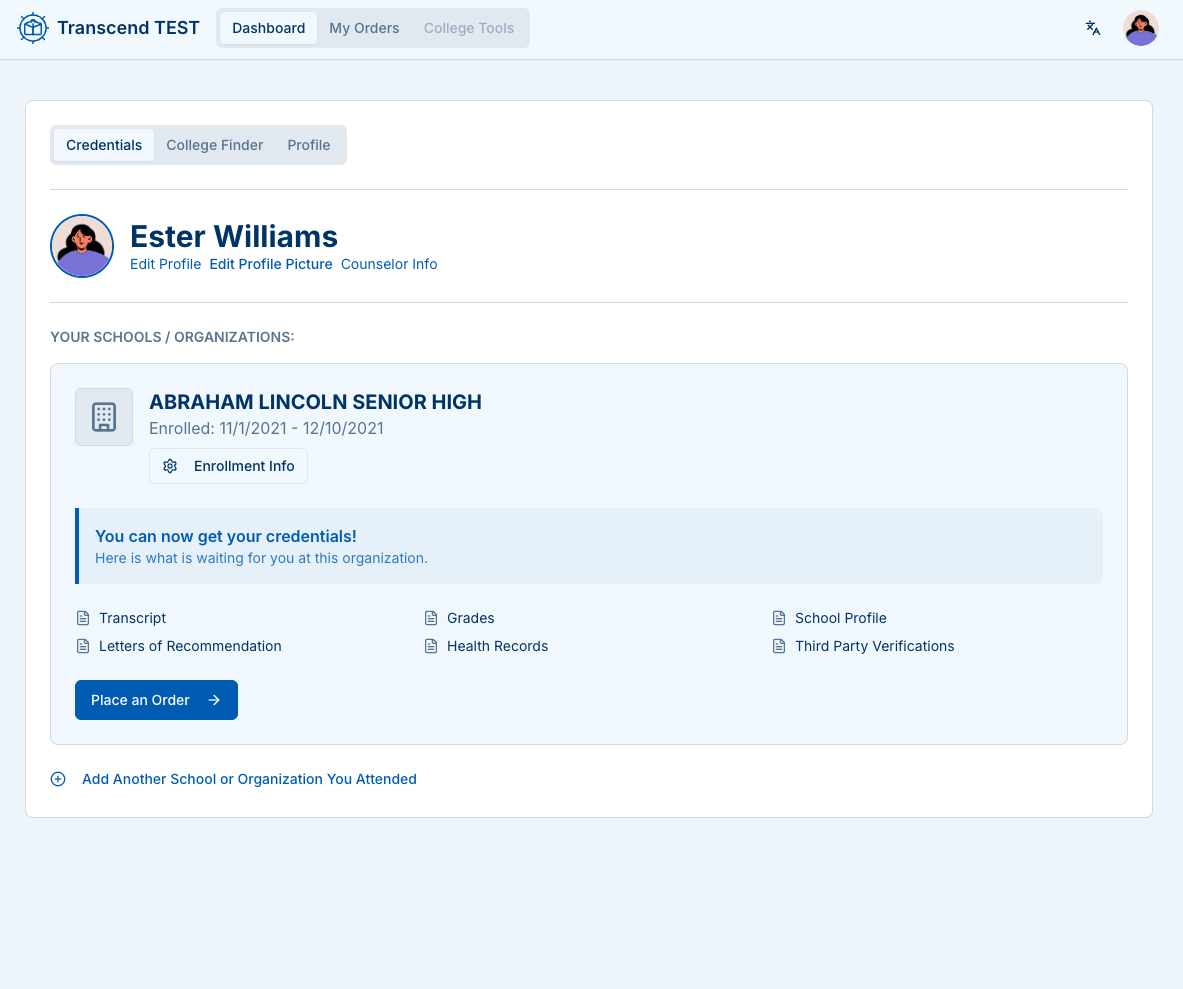
- Sign in, open your Dashboard, and choose Place an Order → Transcript Exchange.
2) Add recipients
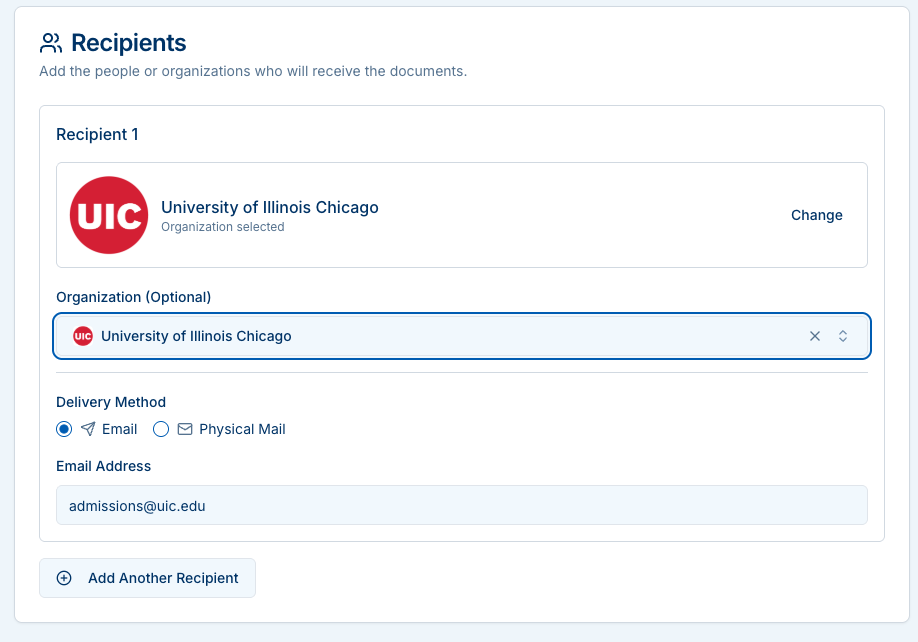
Search and select the organization (college, employer, agency). If it’s not listed, leave Organization blank and enter an email or postal address manually.
You can add multiple recipients.
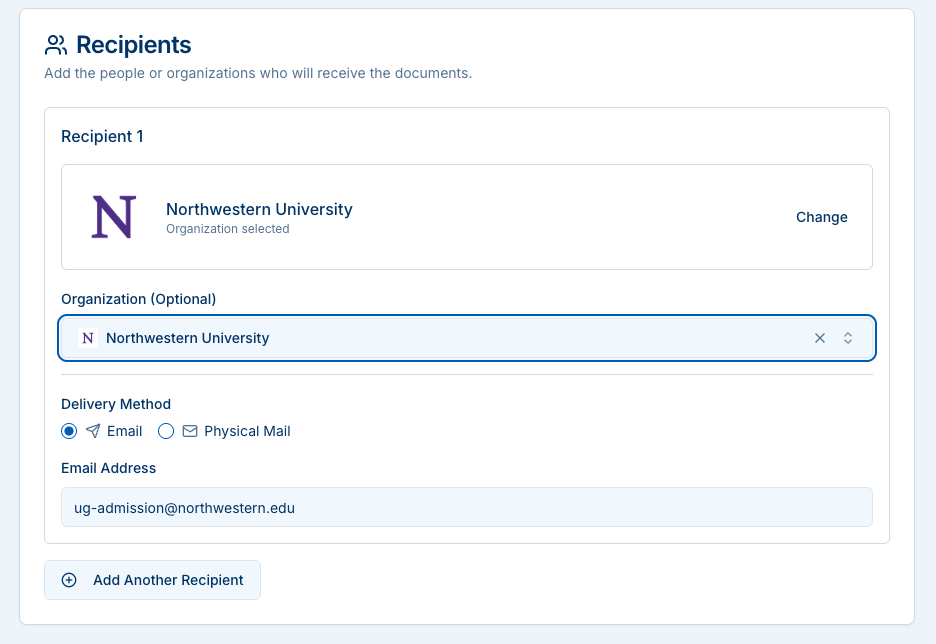
Delivery methods
- Email — Fastest. Recipient gets a secure download link.
- Physical Mail — We print and mail sealed copies. Enter and validate the address; choose number of copies.
Tip: Double-check admissions email domains (e.g.,
admissions@uic.edu) to avoid delivery delays.
3) Confirm student information
Your legal name, date of birth, and last school attended prefill from your profile.
If anything is incorrect, update your Profile before submitting the order.
4) Choose records
Pick the items you need (e.g., High School Transcript, Proof of Graduation, Diploma Reprint, etc.).
Some selections may show extra fields (term, program, notes).
5) Authorize the release
Read the consent statement and sign. This authorizes the district and service provider to release your records to the selected recipients.
6) Payment (if required)
- Some requests are free (e.g., certain SPED records).
- Others show a total before you submit.
- Pay by Credit/Debit online, or select Money Order to mail payment.
7) Submit and track
After submission you’ll get a tracking number by email. Use the Track Your Order page to view:
- Status and estimated completion
- Payment status (if applicable)
- Secure Messaging with staff
- Download links when documents are ready
For security, downloads may require a one-time code sent to your email. Request a code on the tracking page, enter the 6-digit code, and then download.
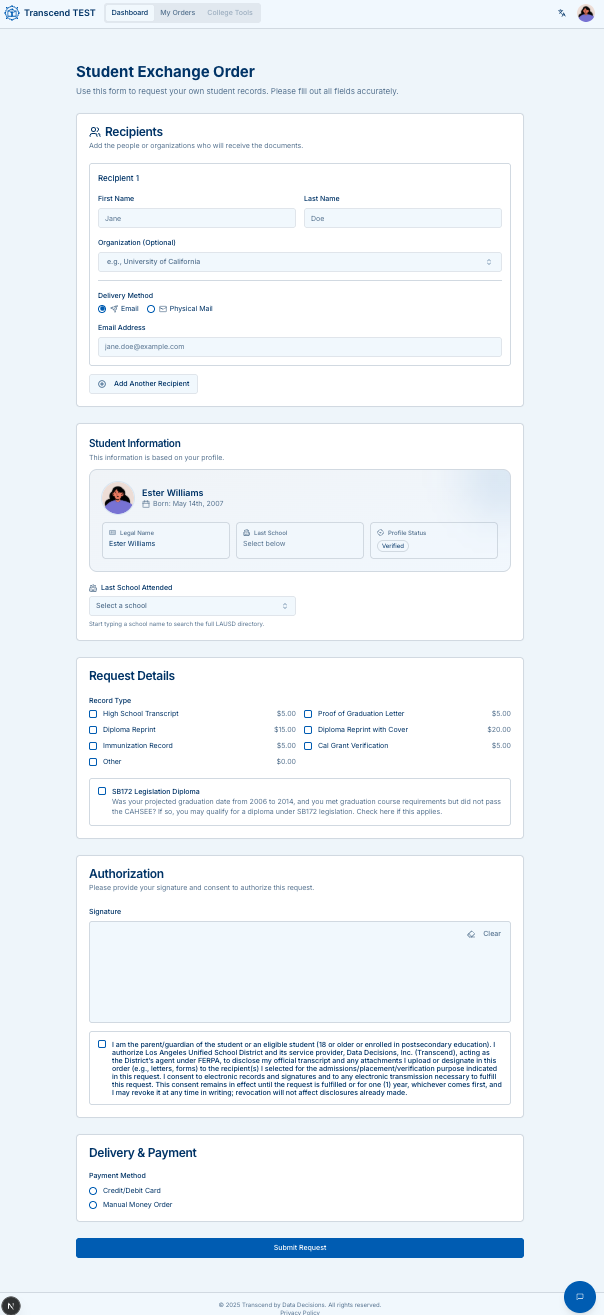
End-to-end view
The order form shows all sections on one page: Recipients → Student Info → Request Details → Authorization → Payment.
Best practices
- Use the organization search to avoid typos and pull correct branding.
- If mailing, ensure each address shows Validated and set the right Number of Copies.
- Keep your tracking number. Use Secure Messaging for questions or to upload supporting files.
- If your code expires on the download step, simply request a new one.
Next steps:
- Read the Transcript Exchange FAQ
- Go back to the Transcript Exchange overview